AI Cost Optimization in 2026: A Practical Guide for Founders
Cut your AI bill in 2026 by working five levers in order, model routing, prompt size, caching, output limits, and inference efficiency, then re-check that your pricing still covers the new cost basis.
Key takeaways
- AI cost optimization means lowering the cost per request without degrading the output customers pay for.
- The biggest savings usually come from routing easy requests to cheaper models, not from squeezing the frontier model on every call.
- Caching repeated context and trimming prompts can cut input-token spend with little or no quality loss.
- Optimization is only half the job: every cost cut moves your margin, so model the pricing side at the same time.
- Track cost per request, per user, and per feature, not just one monthly invoice.
What is AI cost optimization?
AI cost optimization is the practice of lowering what each model call costs while keeping quality high enough that users stay. Most LLM providers bill per token, usually quoted per 1 million tokens, and split input (what you send) from output (what the model writes back). Output tokens almost always cost more than input. So your bill is really three numbers multiplied together: requests, tokens per request, and price per token.
Why does AI spend spiral?
Because all three of those numbers grow at once. You add users (more requests), you add context like chat history and retrieved documents (more tokens), and you reach for the strongest model by default (higher price per token). A feature that looked cheap in a demo can become your largest line item once real traffic hits. The fix is not a single switch, it is a stack of small, compounding cuts.
Which levers actually move the bill?
1. Route requests to the right model
Not every request needs your most expensive model. Classification, short summaries, and routine extraction can run on a smaller, cheaper model, while only the hard requests hit the frontier tier. Routing the majority of traffic down a tier is usually the single biggest lever, because price gaps between tiers can be large.
2. Shrink the prompt
Every token in your system prompt, examples, and retrieved context is billed on every call. Trim boilerplate, cut redundant few-shot examples, and retrieve fewer, more relevant chunks. Smaller prompts lower cost and latency at the same time.
3. Cache repeated context
If you send the same long system prompt or document on every request, caching lets you pay full price once and a reduced rate afterward. For chat and agent workloads that reuse the same context, this is close to free money.
4. Cap output length
Output is the pricey side of the ledger. Set sensible max-token limits, ask for structured or short answers where you can, and stop the model from rambling. A tight output spec protects both cost and user experience.
5. Improve inference efficiency
Batching, streaming, and smart routing at the serving layer squeeze more out of every dollar of compute. This lever matters most once you run at scale or self-host.
How do you know optimization is working?
Watch cost per request and cost per active user over time, not just the monthly total. A falling total can still hide a rising per-user cost if usage dipped. Break the number down by feature so you can see which workflow is eating the budget, then aim your effort there.
The lever most teams forget: re-pricing
Here is the part the typical cost guide skips. Once you cut your cost per request, your margin on every plan changes, and so does the price you can afford to charge. If your AI feature now costs half as much to serve, you can bank the margin, lower the price to win more users, or raise usage limits to reduce churn. Optimization without re-checking pricing leaves money on the table in both directions. Treat the two as one loop: cut cost, then re-model the plan.
The takeaway: work the five levers in order of impact, then immediately re-check that your pricing still earns the margin you want. You can model token costs, tiers, and margins side by side in Calcaas before you change anything in production.
Frequently asked questions
What is the fastest way to lower AI costs?
Model routing is usually fastest. Send routine requests to a cheaper model and reserve your most expensive model for the hard cases. Because price differences between tiers can be large, shifting most traffic down a tier often cuts the bill more than any single prompt tweak.
Does caching reduce AI costs?
Yes, when you reuse the same context. Caching lets you pay full price for a long prompt once and a reduced rate on later calls that reuse it. It works best for chat and agent workloads that repeat the same system prompt or documents.
Should I optimize cost or improve pricing first?
Do both as one loop. Cut the obvious cost waste, then re-check whether your pricing still covers the new cost basis and earns your target margin. A cost cut you never reflect in pricing is only half a win.
What metrics should I track for AI cost?
Track cost per request, cost per active user, and cost per feature over time. These reveal trends that a single monthly invoice hides, and they tell you which workflow to optimize next. Place this JSON-LD inside a `<script type="application/ld+json">` tag in the page head. The questions and answers must match the visible FAQ text exactly.
More from the blog
 LLM Economics
Your Load Balancer Is Quietly Inflating Your LLM Bill
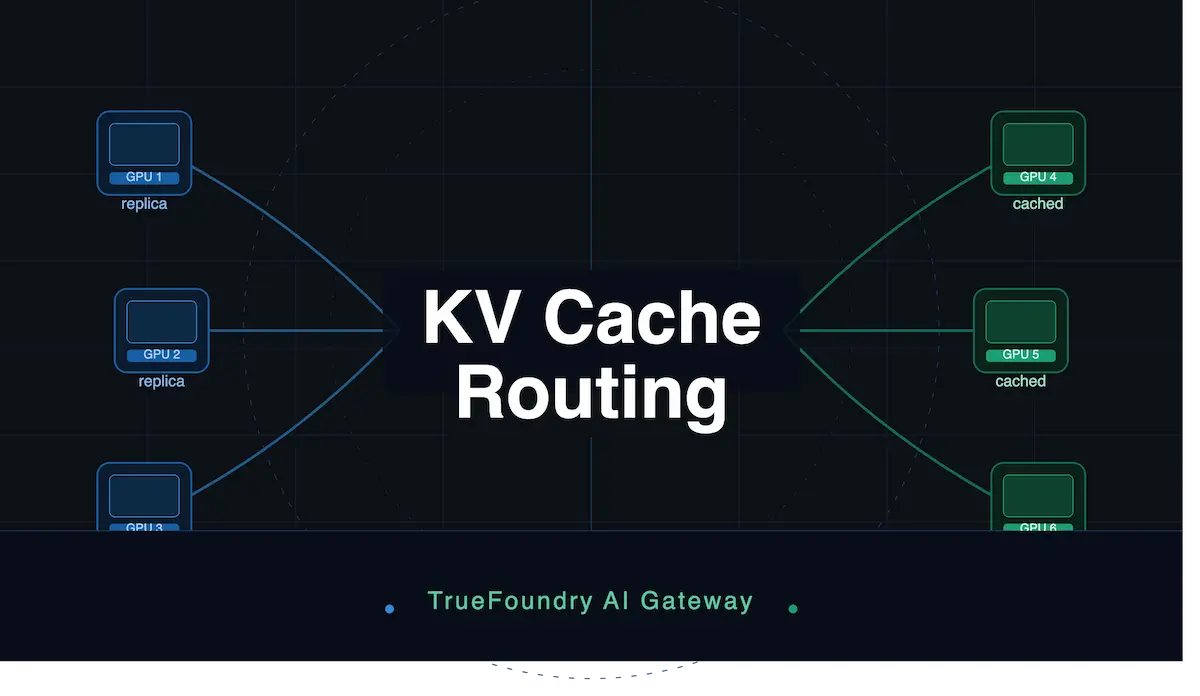
Standard load balancers scatter requests across servers at random, which breaks prefix caching and makes you pay full price for tokens you already cached. Prefix-aware routing fixes it.
 LLM Economics
Governed AI Usage: How an AI Gateway Controls Token Spend
An AI gateway is a control plane that wraps every model request with identity, policy, safety, and observability, turning unpredictable token spend into a number you can govern and price against.
 LLM Economics
Best AI Cost Optimization Tools in 2026: A Buyer's Framework
The best AI cost optimization tool depends on four things: how deeply it attributes spend, whether it can enforce limits, how much of your stack it covers, and whether it connects cost to pricing.
Pricing math, in your inbox.
One short note a week on AI pricing, token economics, and margin. No spam, unsubscribe anytime.